Getting started with Product Customizer
Eauto Tech Product Customizer is simple as you need, it can support the Image and text customize for your products, just easy to make your product dynamic and effective.
Customize your product with Image
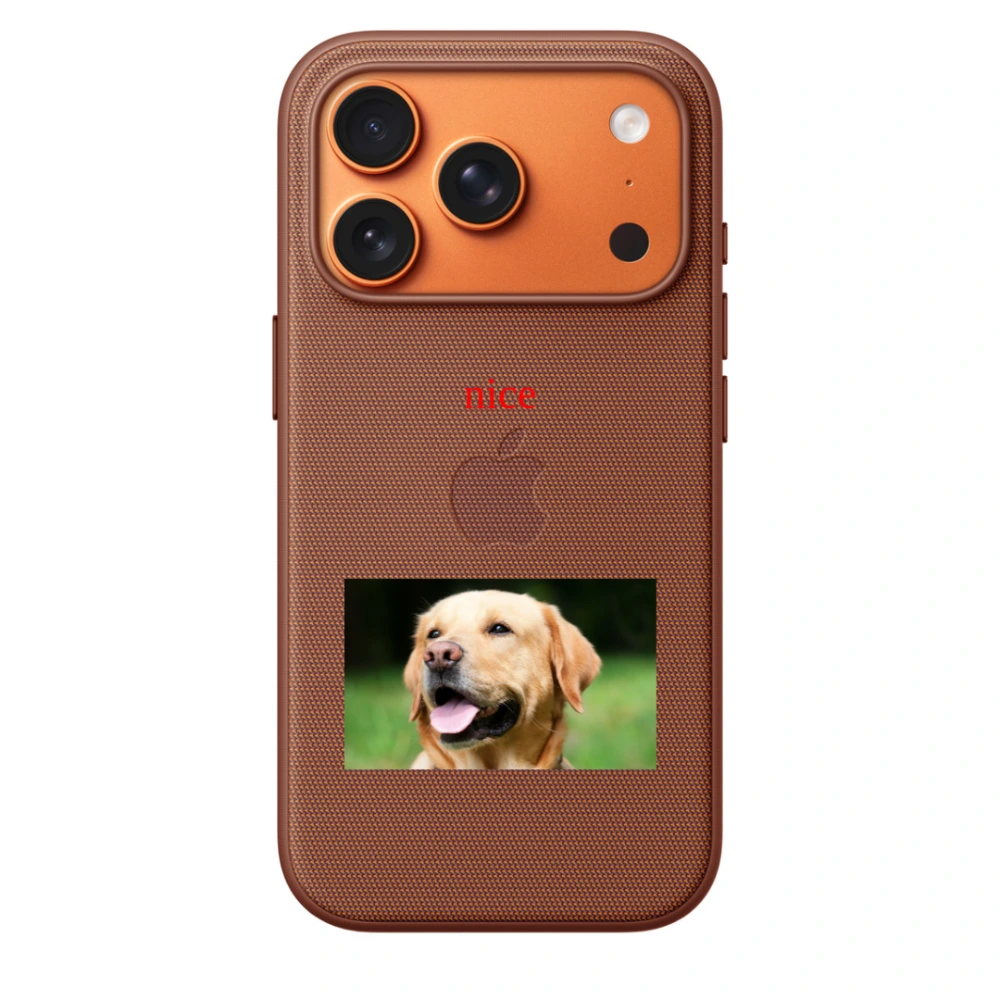
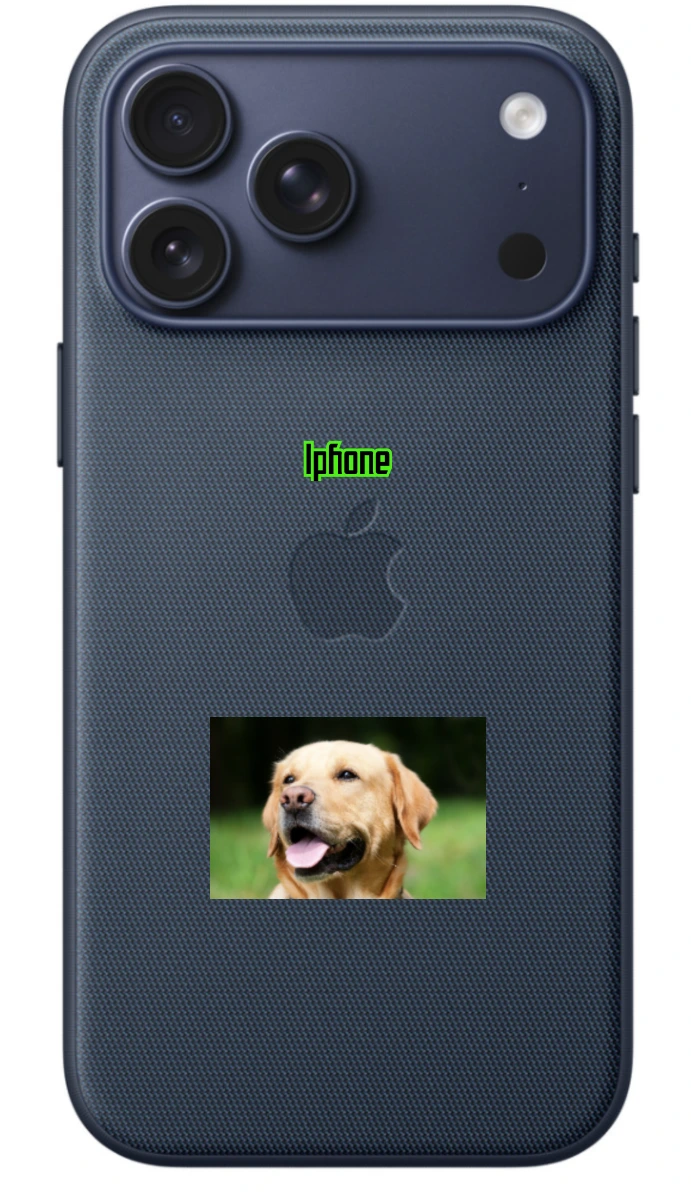
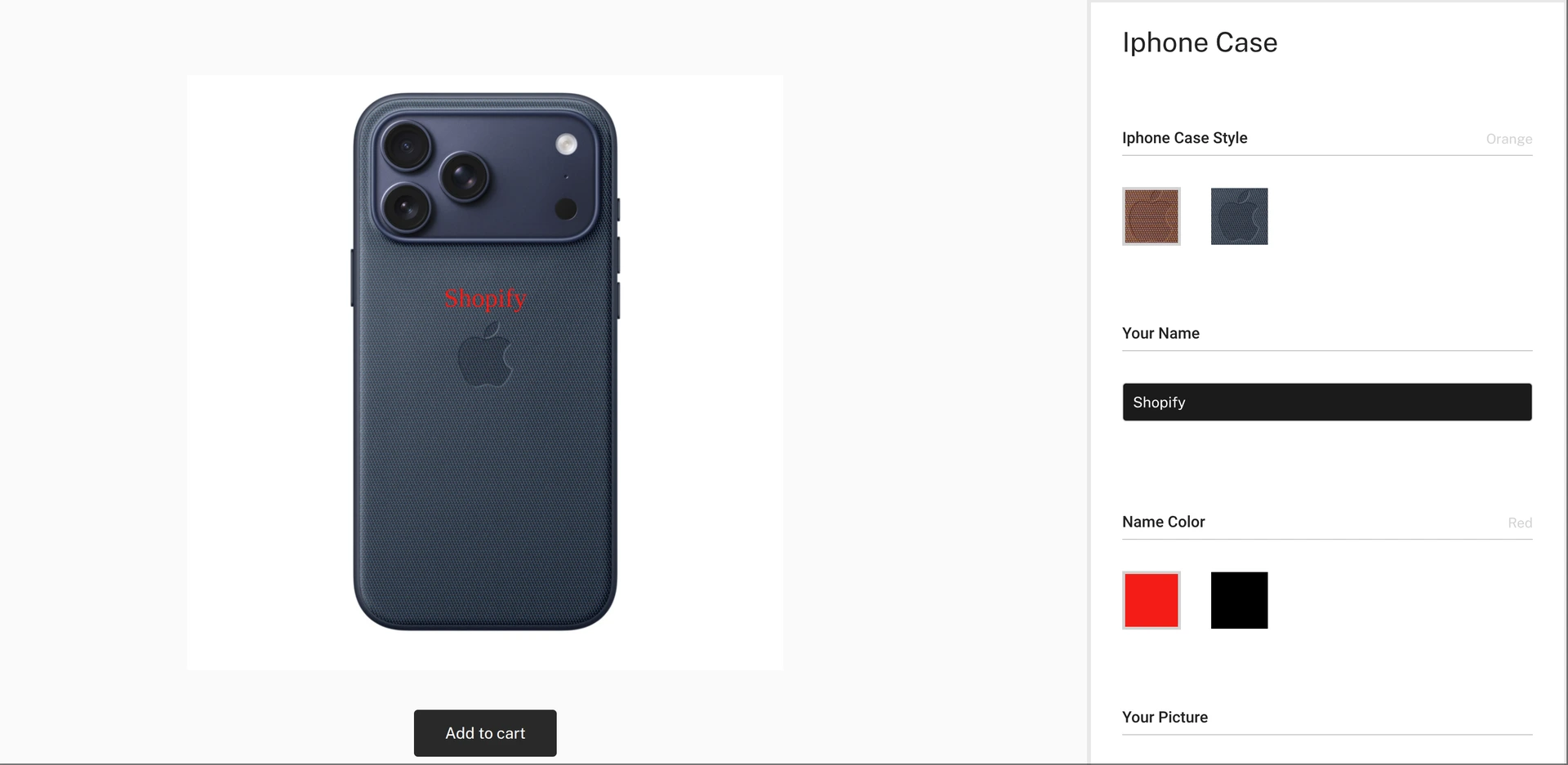
You can draw a picture in your product, a dog to show in your iphone case, your own picture to show in your T-Shirt, you also to draw your own upload pictures.
Customize your product with Text
You might need engraving some text in your product, just as you go, you can set the color for the text, the font for the text and also the size you need.
Preparing your images
Image can make your product dynamic, you might have thousands of sku idea, but you mightn't know which is popular for your customer, you can try with different options for your customers, so let's play with it.
Product Images
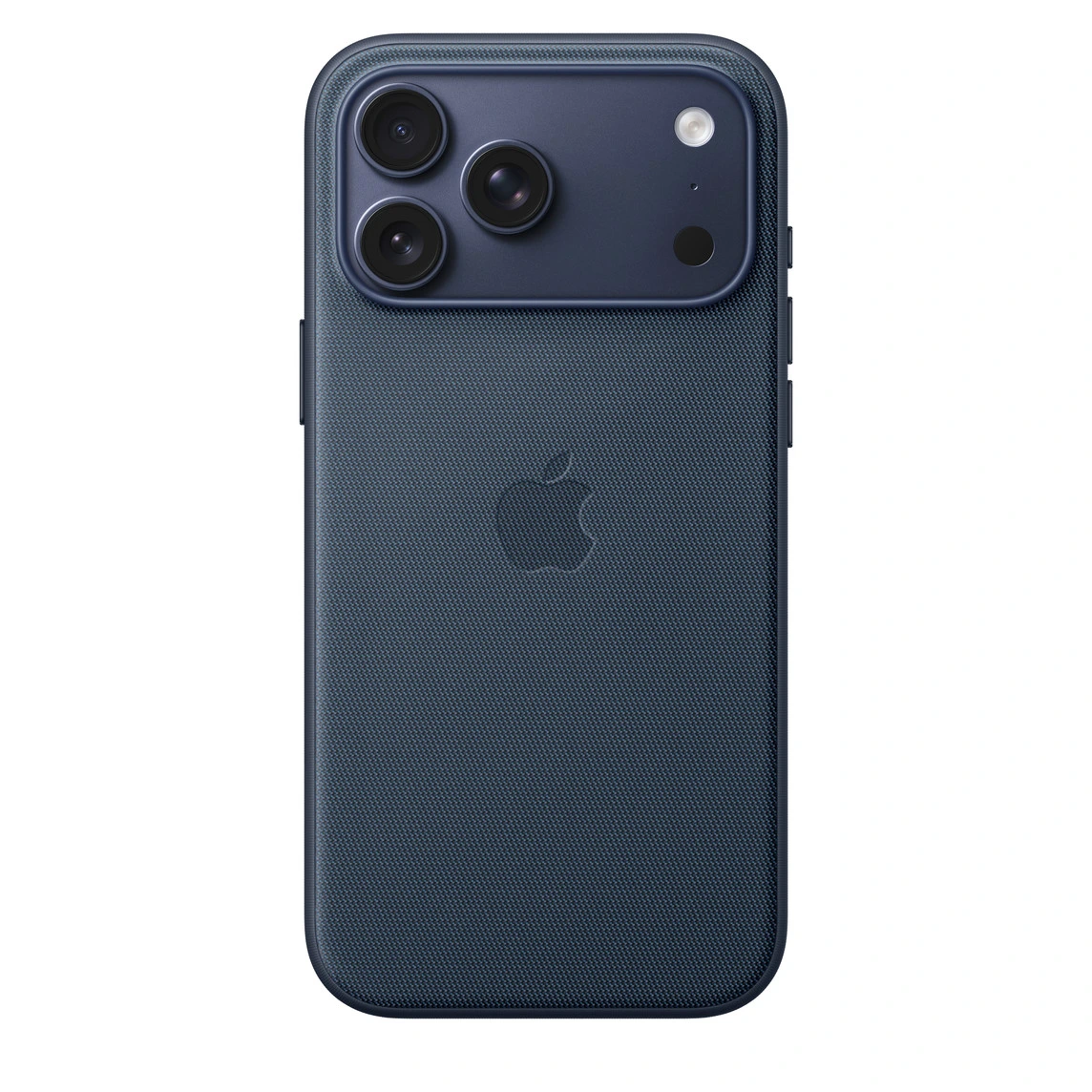
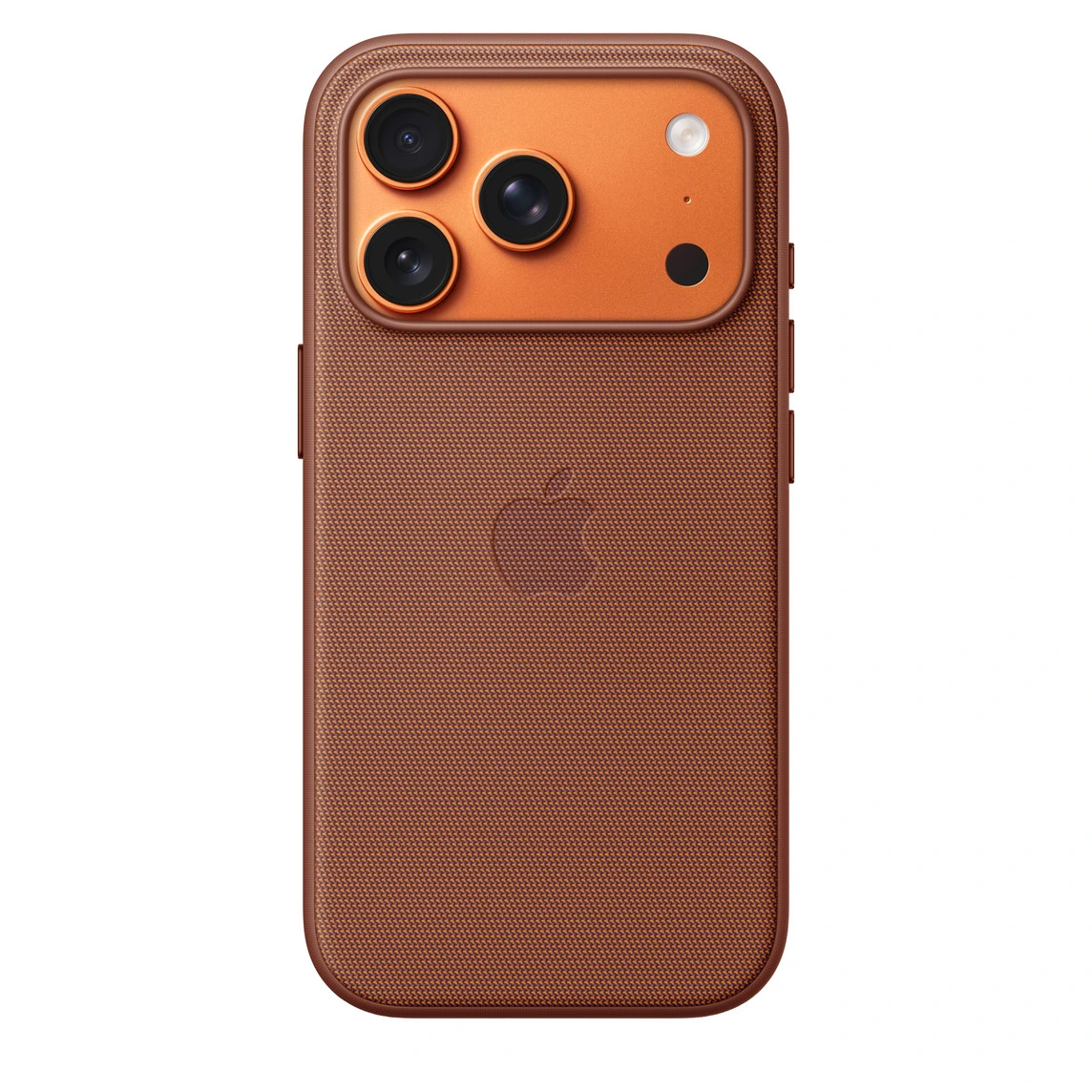
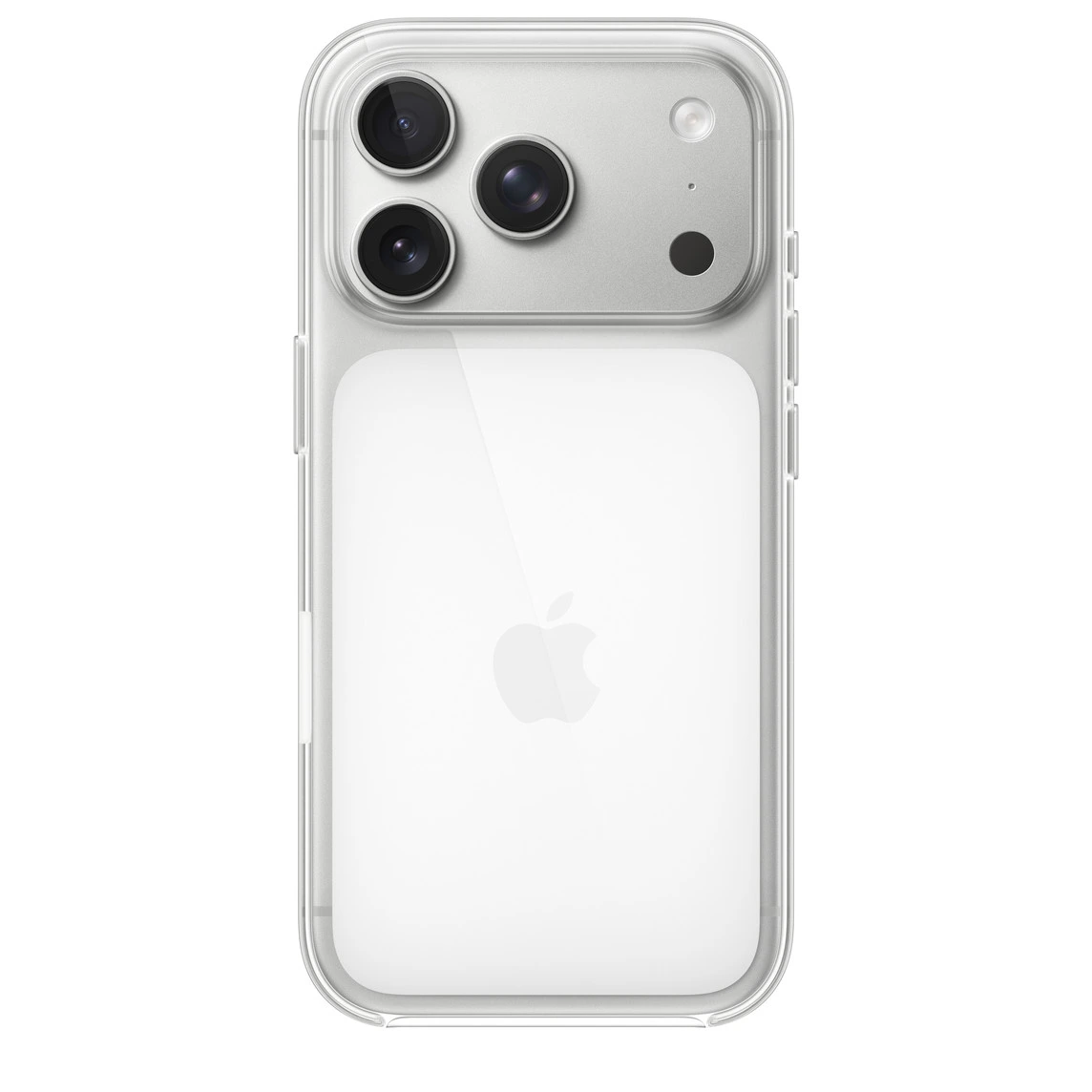
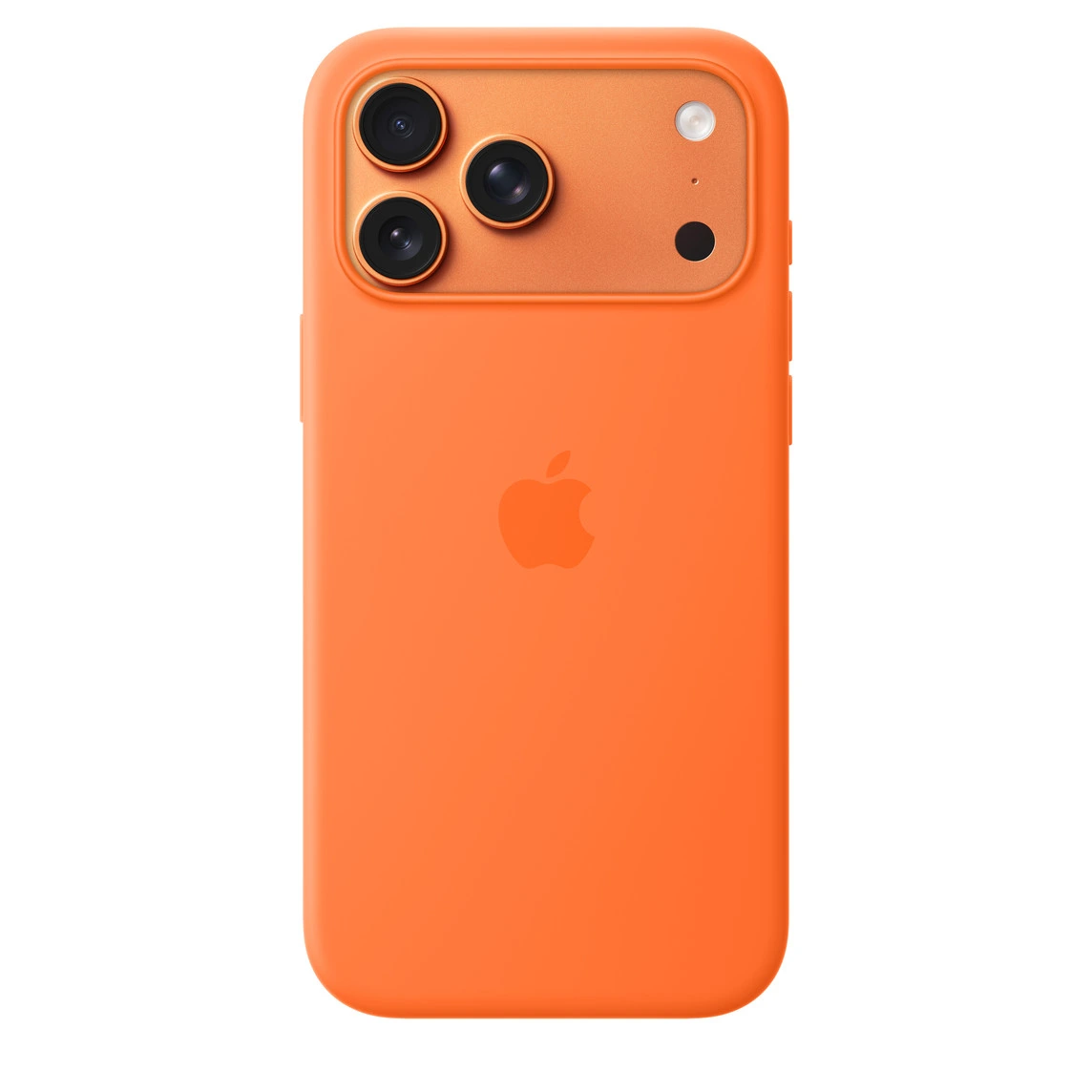
here are some examples you can try, different product options
Customized Images
You can have a base product images, also you can have the customized image, such as a dog in your iphone case, the dog could be user upload, or a dog in your case back.

Upload your product
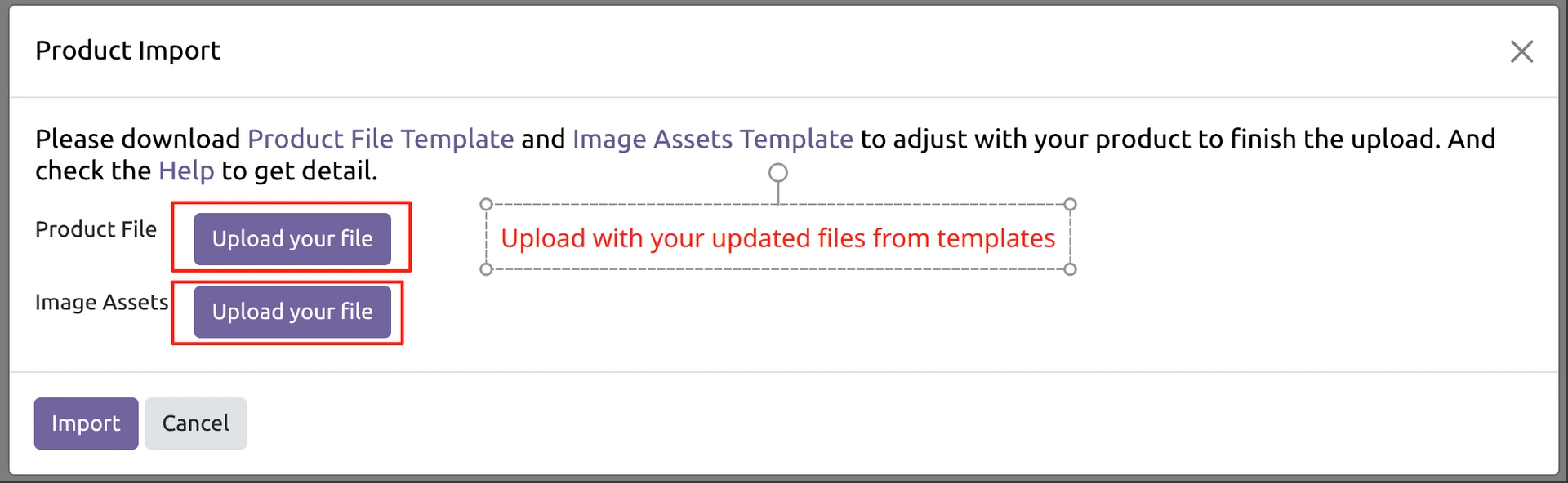
You can use the excel template to upload all your customized needs.
Follow the following steps to upload with your files, then you can have your own customized quickly and easy.
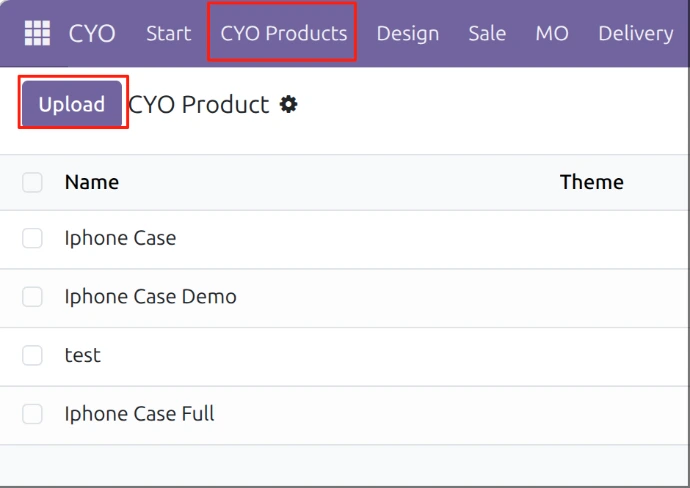
Go to CYO/CYO/Import Product
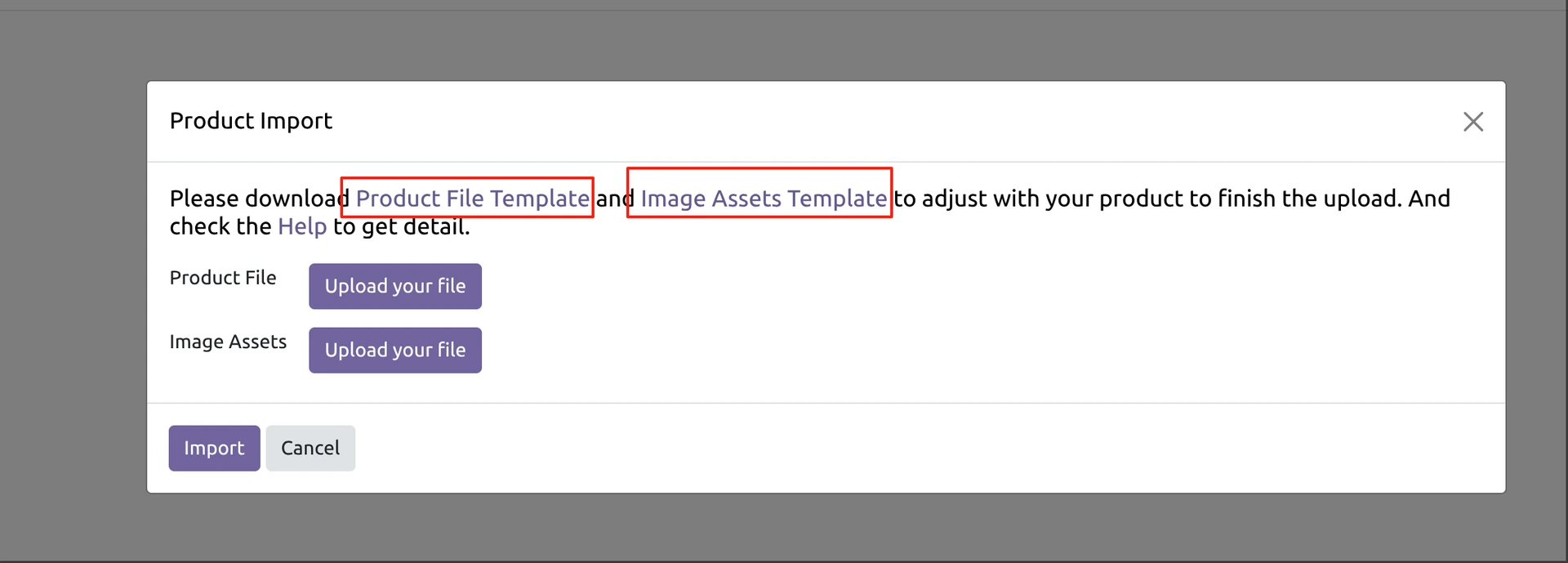
Download the Product File Template and Image Assets Template
cyo_product_example.xlsximages.zip
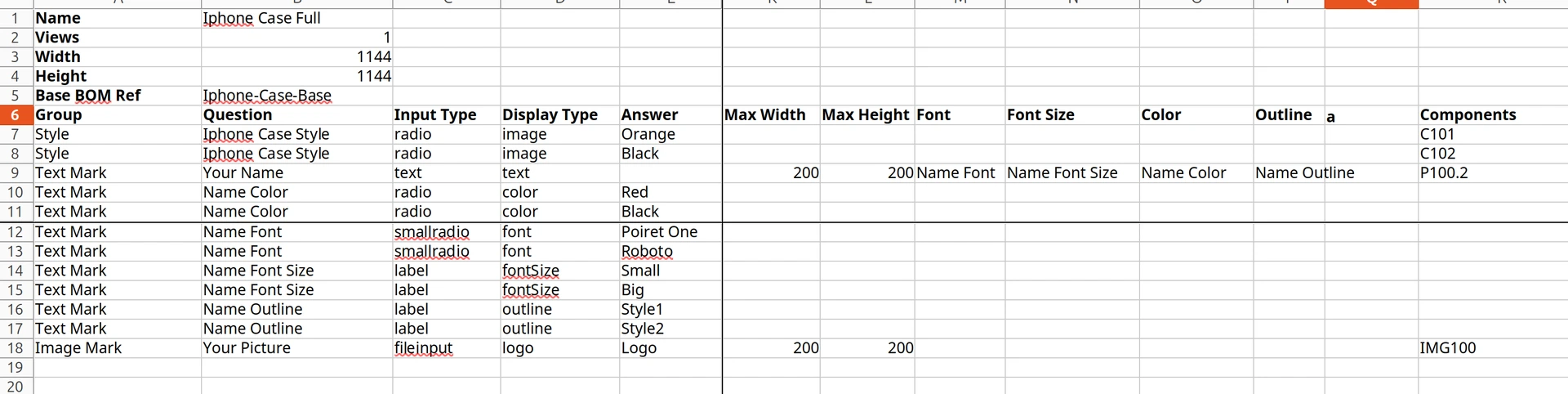
Adjust with your product needs
Upload with updated file
Input type is the idea that you can define how you want the customer to input their customized idea, see the following explain.
Input Type
The input way for your question
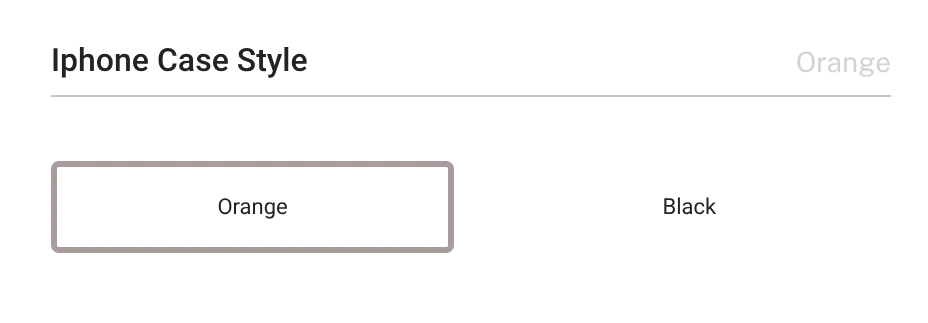
radio
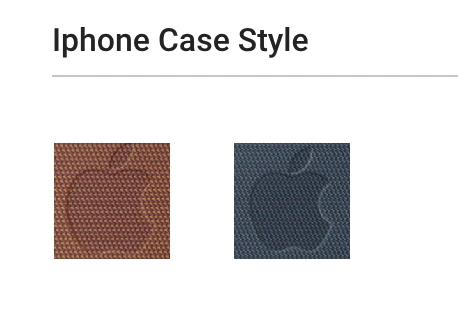
smallradio

label
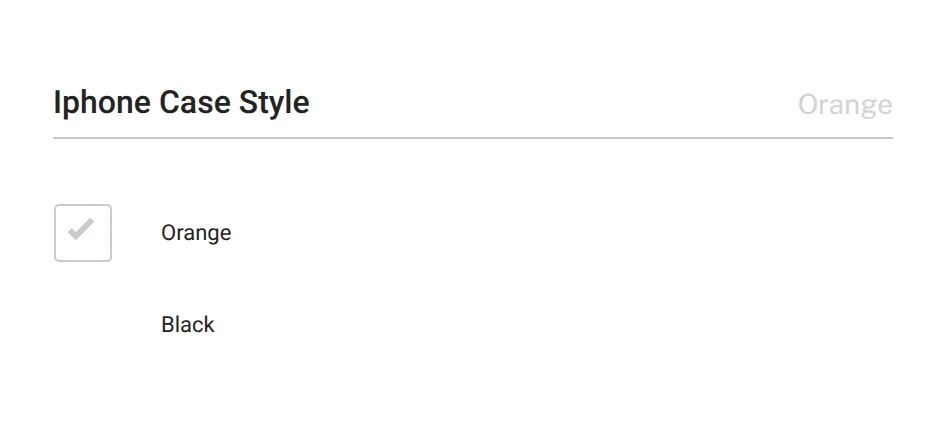
checkbox
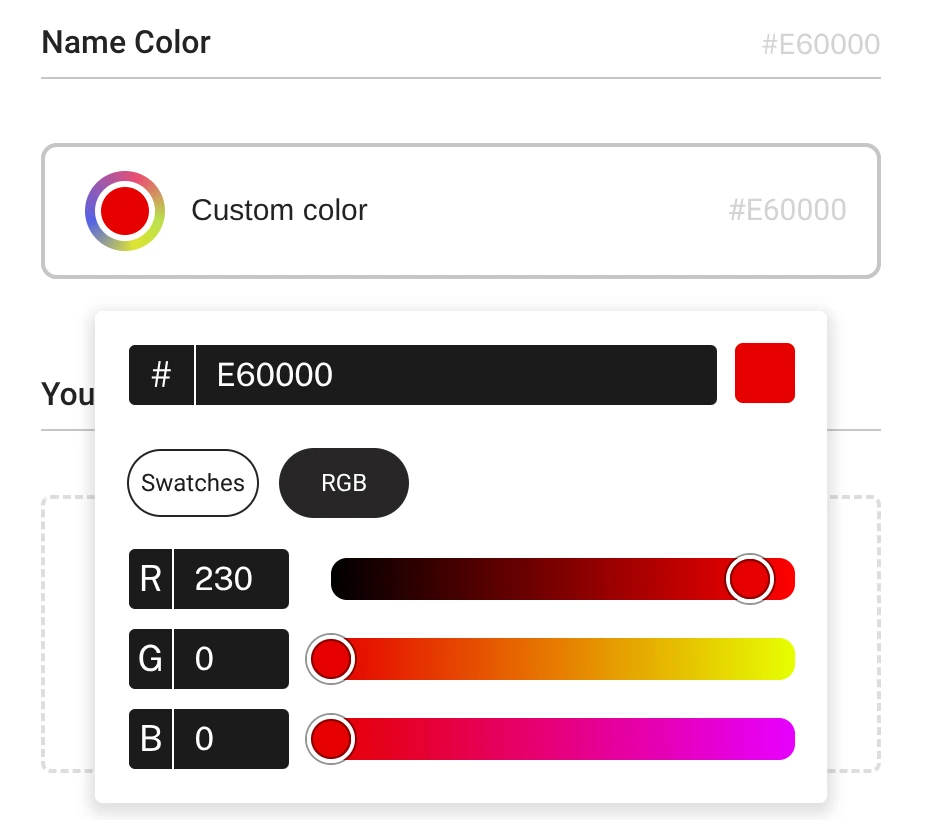
colorpicker
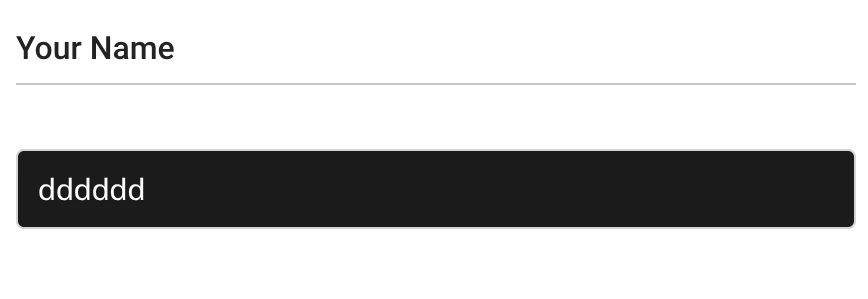
text
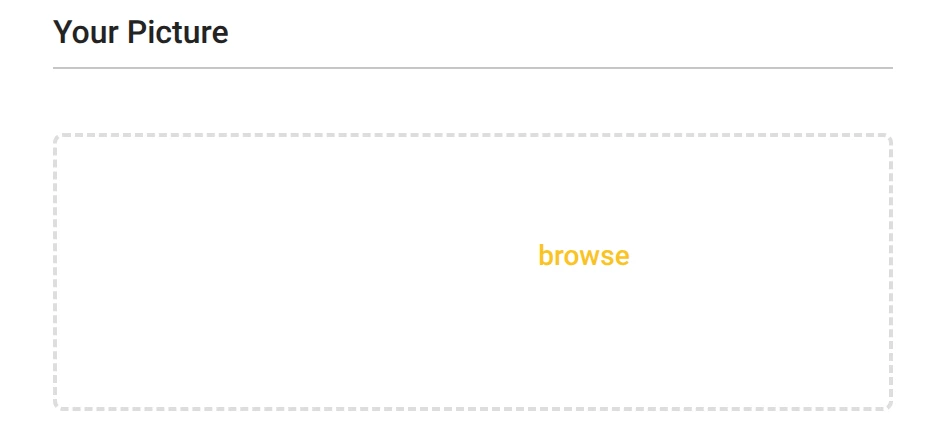
fileinput
Display type is the idea how you want your customized idea to be show in the customized view, follow the following idea to understand your needs.
Display Type
Show in the customized product preview
image
- it is same as logo, but logo can have the customized size setting

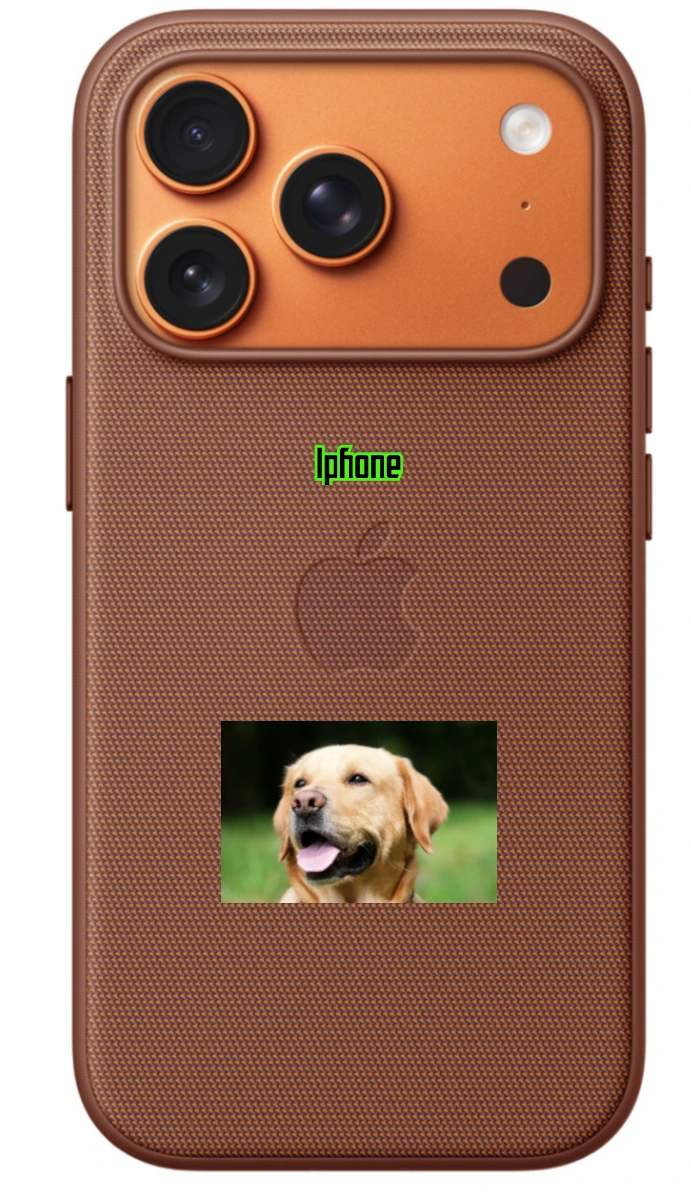
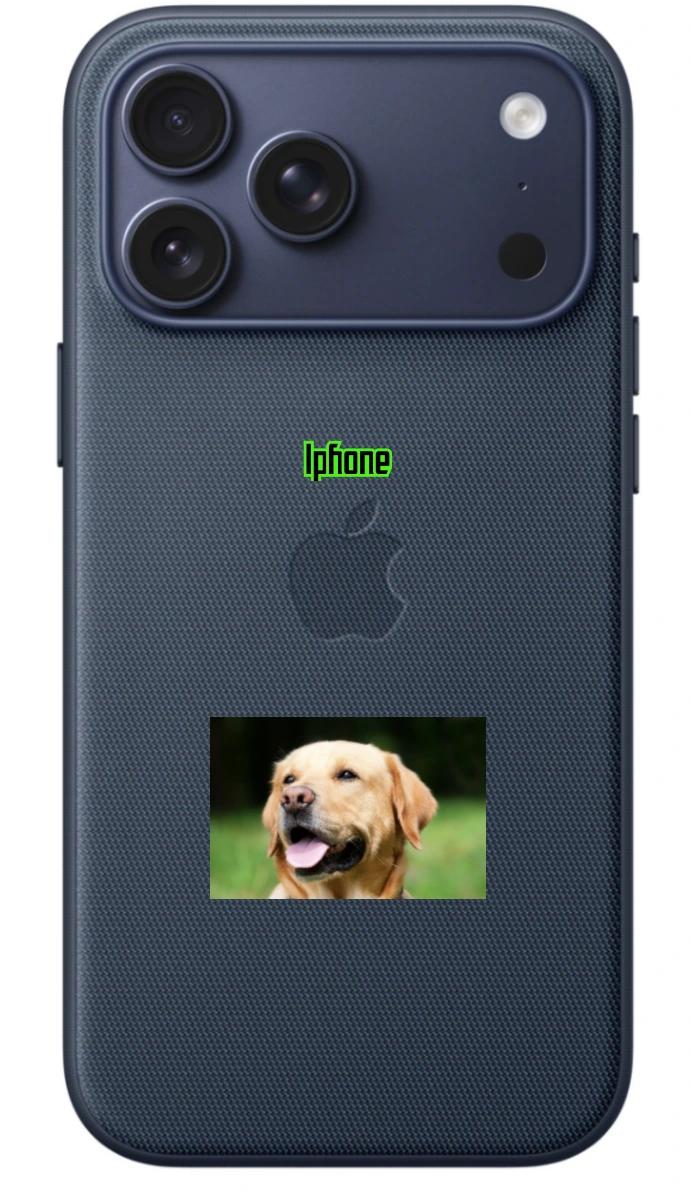
logo

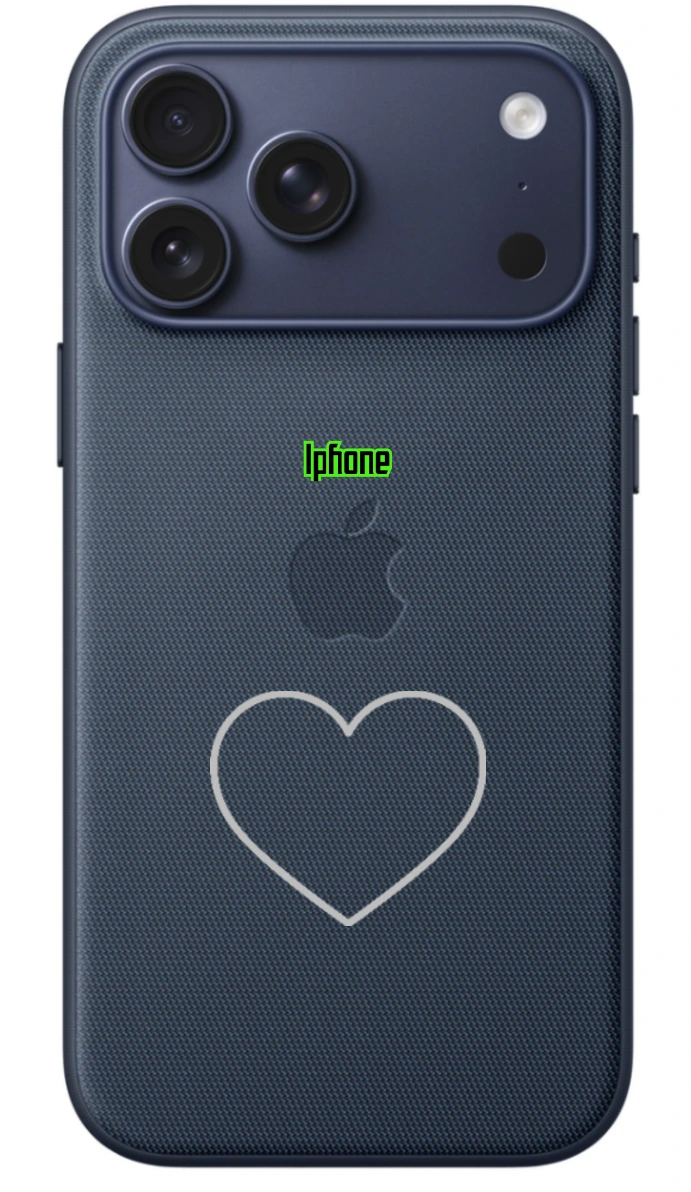
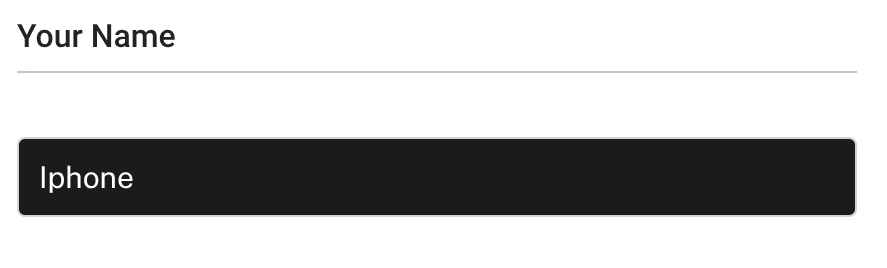
text


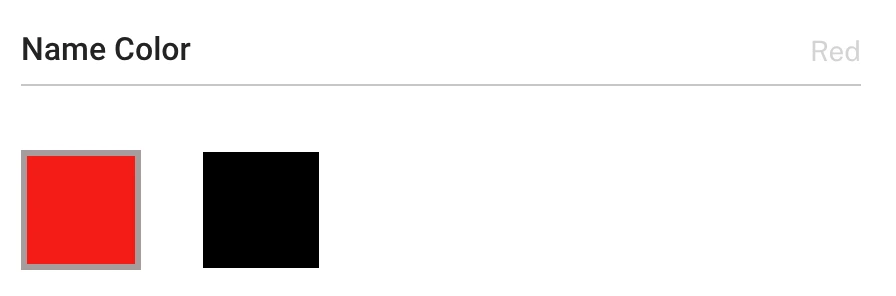
color


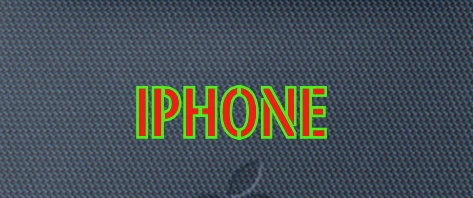
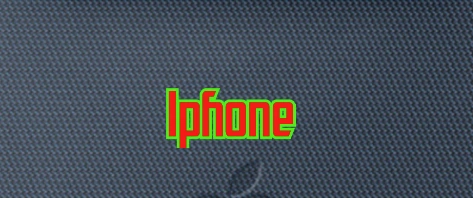
font

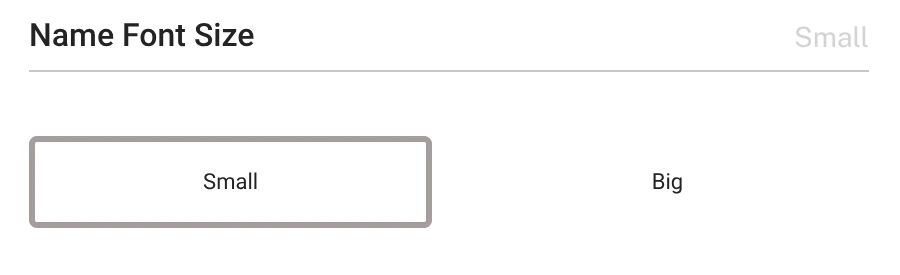
fontSize


outline
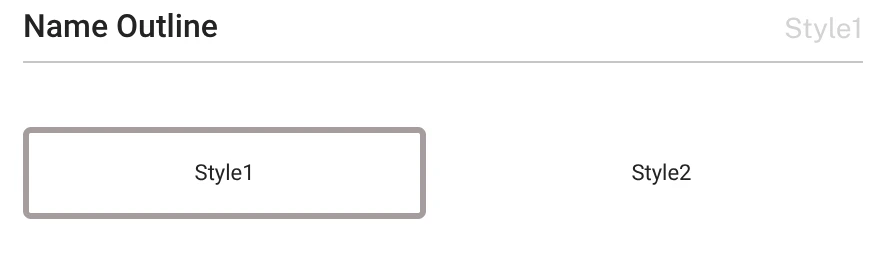


Manage your Logic
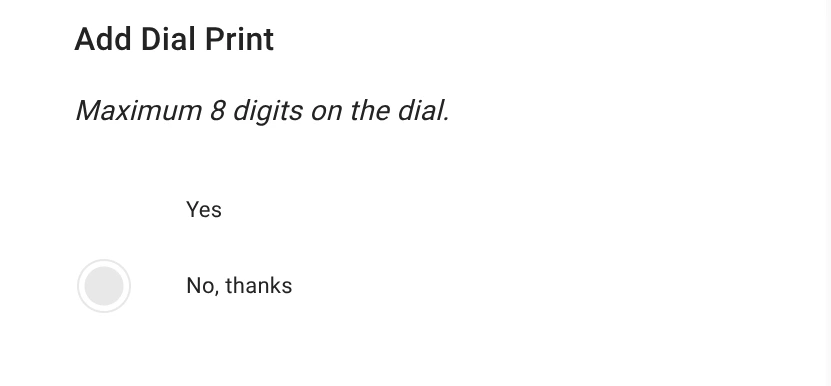
You can have the logic with the Product Option to let the customer decide with the customized idea.
If we need, then we will customize with option, or we don't need that option
They can decide the customize options, if you agree the engraving or not, then we have the different control with options with customer

Connecting your product with E-Commerce
So far we are integrated with Odoo and Shopify. The Product customized default implement with Odoo, the background is written by Odoo, so if you want to integrate with your own Odoo instance, just go to the Odoo app store to check with that.
Odoo
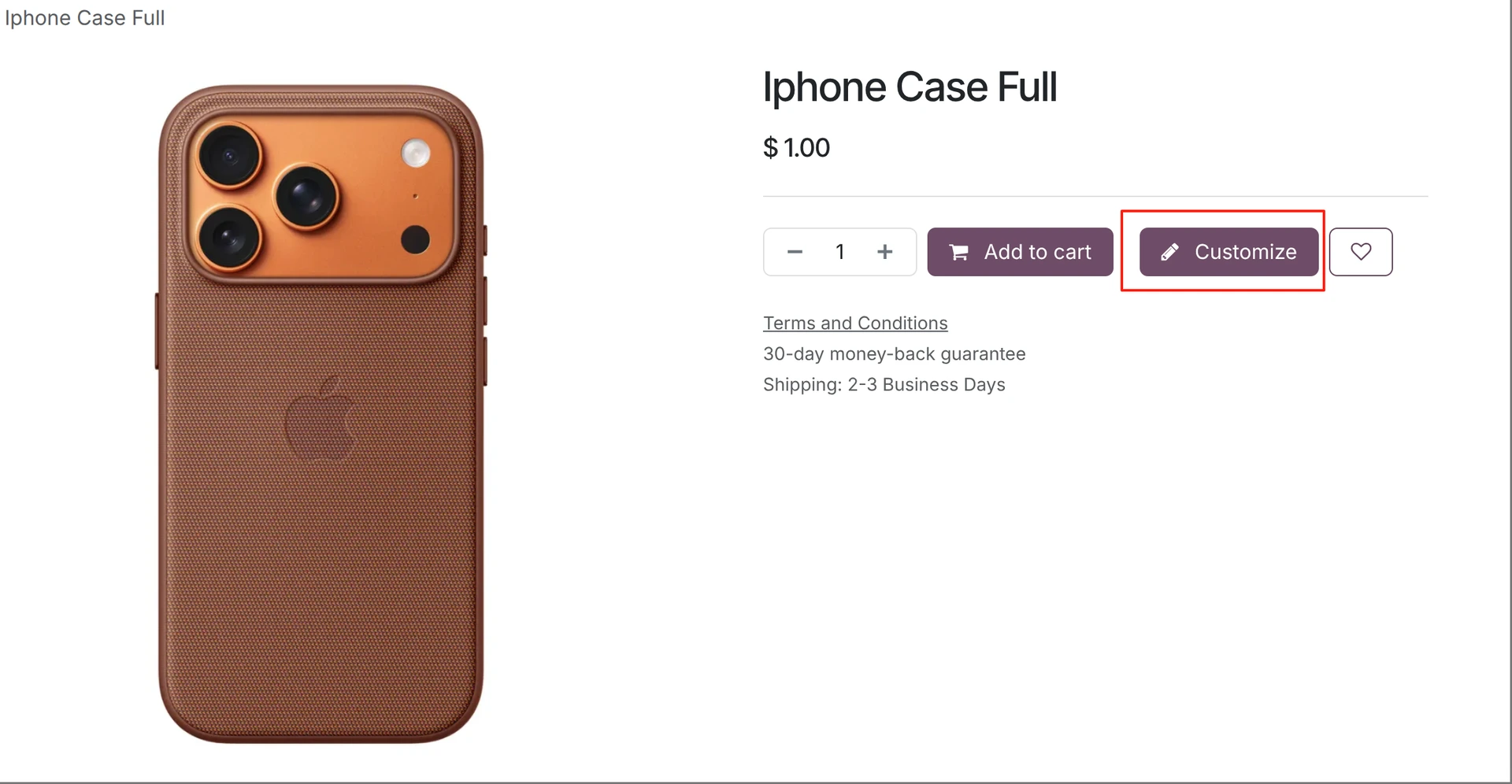
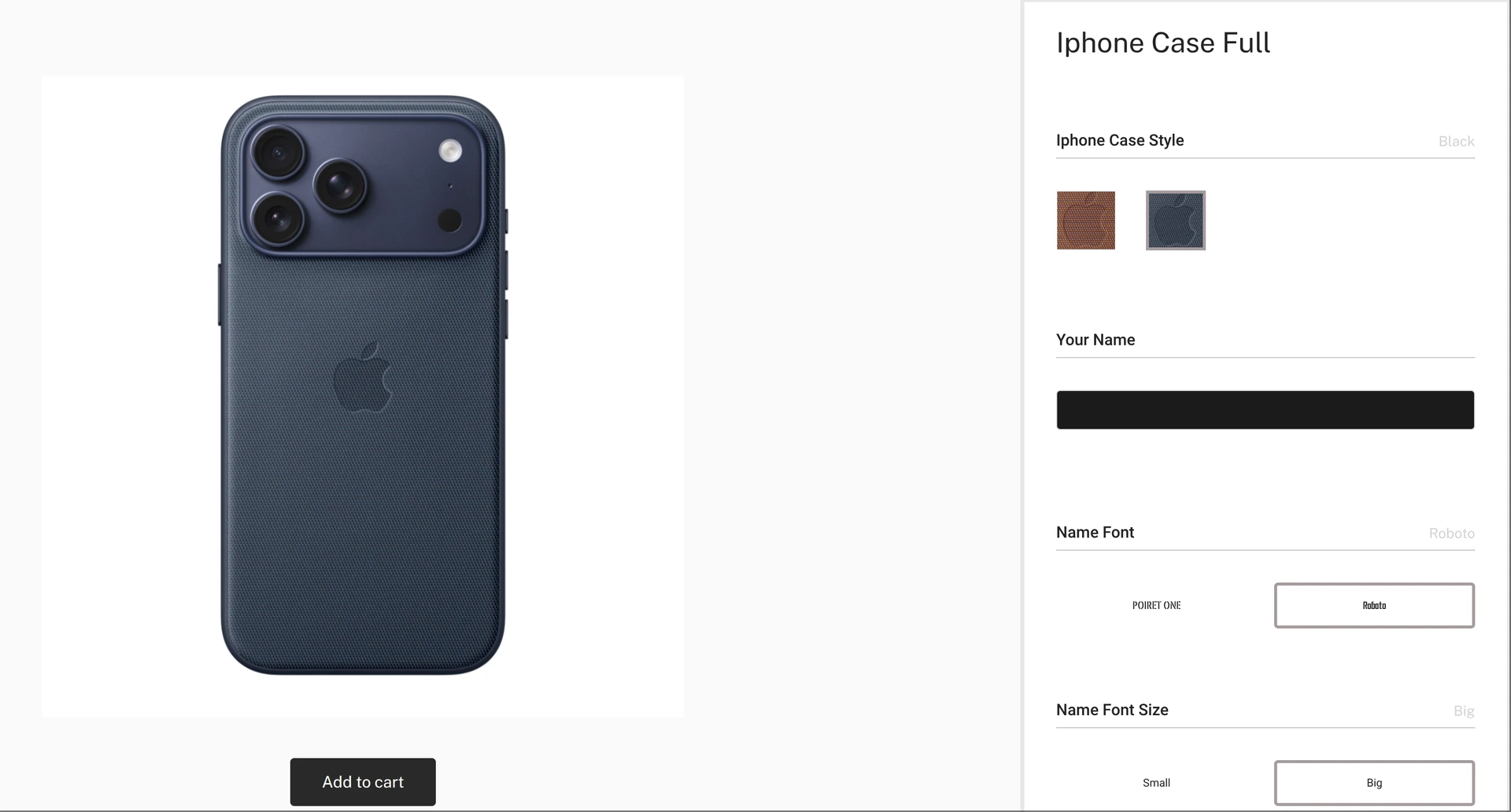
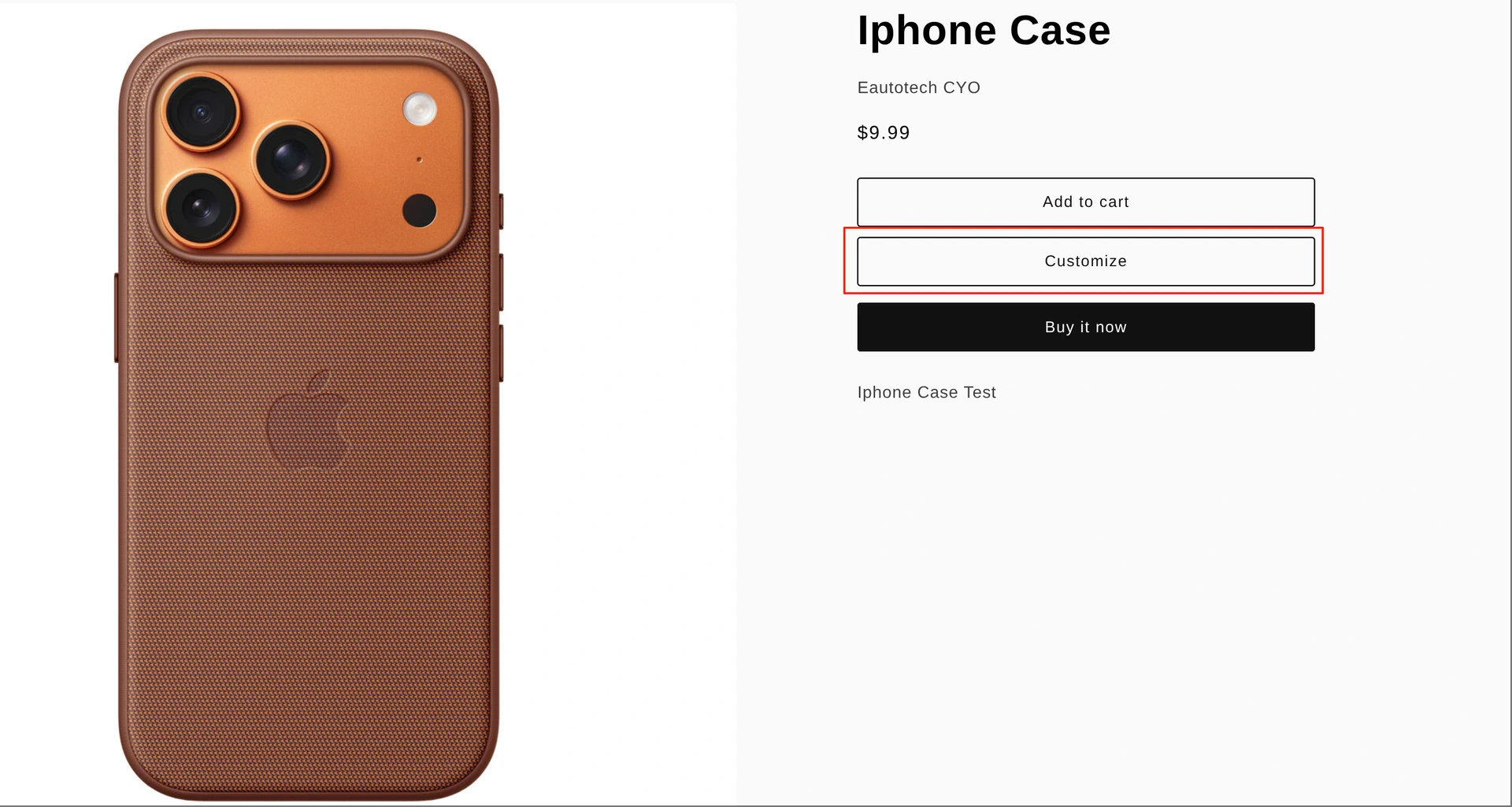
Go to your shop site, you can see the customized option with your product page.
Shopify
We integrate our site with Shopify app, you can install that
Managing your orders, designs, Manufacture Order, Inventory
In the front size Odoo/Shopify or other E-Commerce site, the Customizer can help you finalize customer idea, then in the background we are using Odoo powerful Inventory/Manufacture idea to boost your components inventory, so in front you just care your sale, in background you just take care how many inventory you have, we will have all you need.
Sales Order
We transfer the order from E-Commerce site to your Odoo instance, so you will know your sale performance in background site, and you care review with the customizer design, and it is good to finalize with your AB testing with your products.
Manufacture Order
Manufacture order can help you consume all your inventory, and we have the automation for all your steps from the sales order to the inventory and close the MO to consume the components inventory.
Inventory
All the inventory managed by components, so we have the customer idea in front, in background you just take the components inventory, and we also transfer our inventory to the front site.